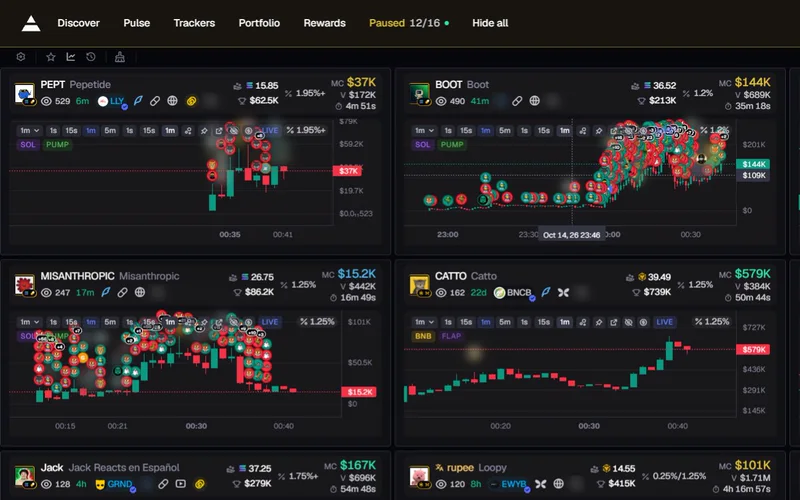
Pause
Point at a chart and the Wall holds still. Nothing jumps under your mouse.
00Axiom, upgraded
Get access01 · Plain Axiom
On Axiom's Pulse page you point at a coin and nothing happens. To see its chart you open the coin and lose your place in the list.
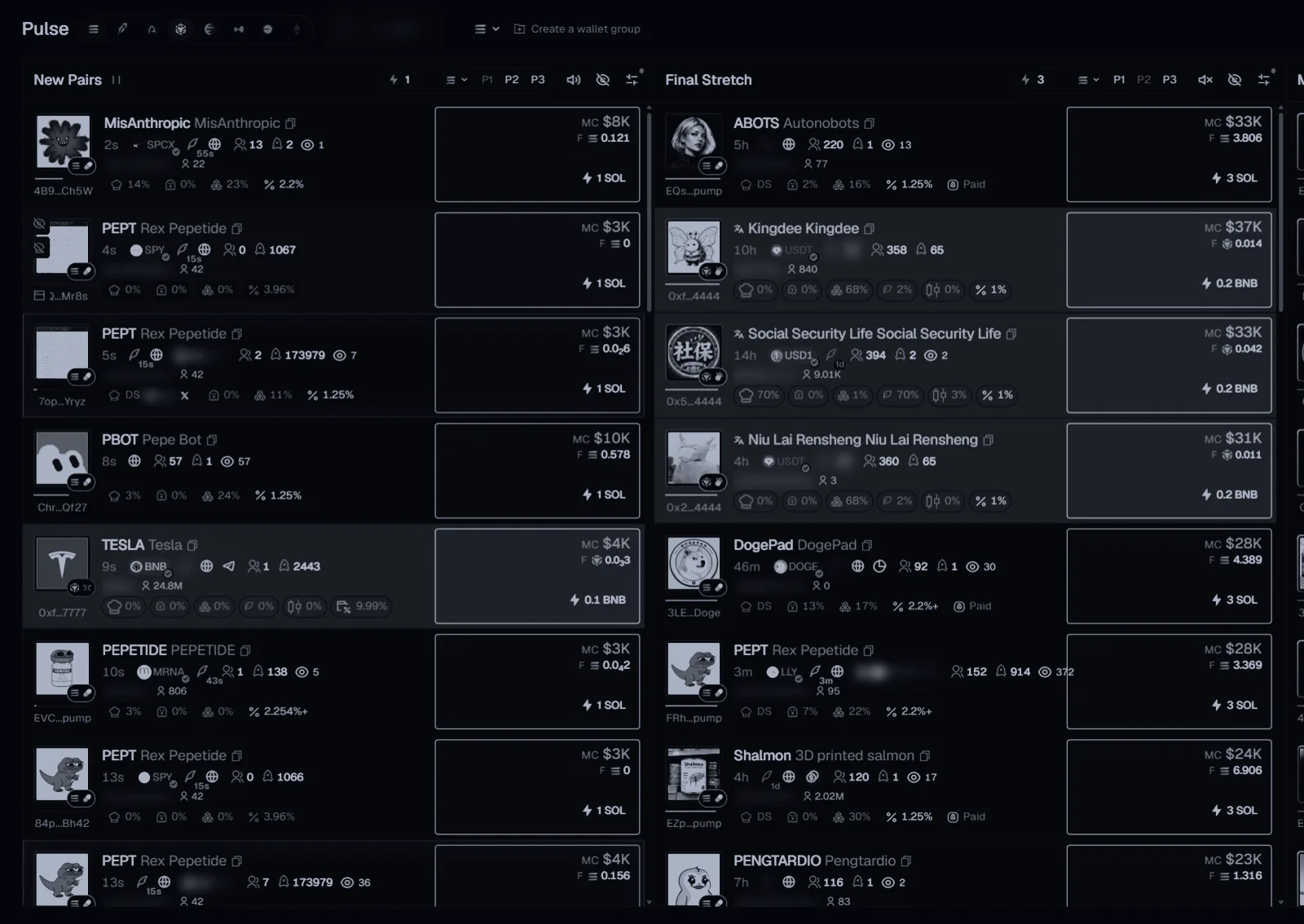
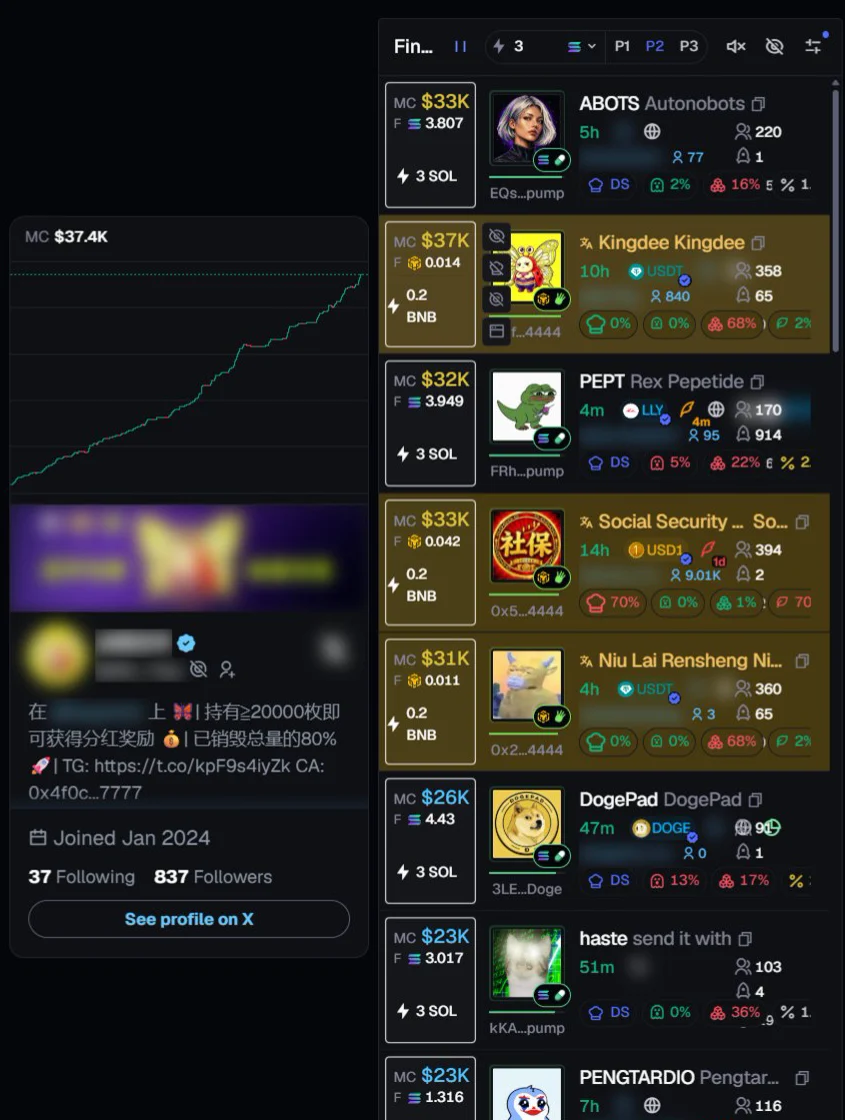
02 · Hover preview
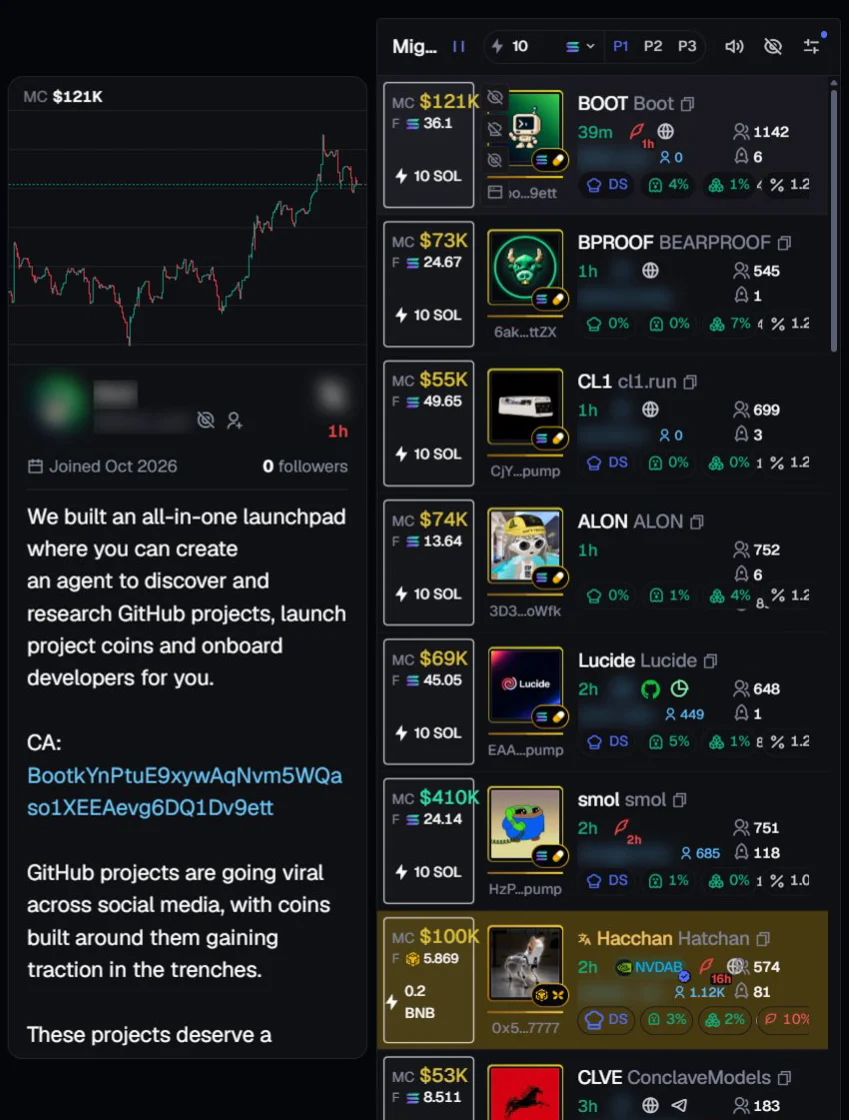
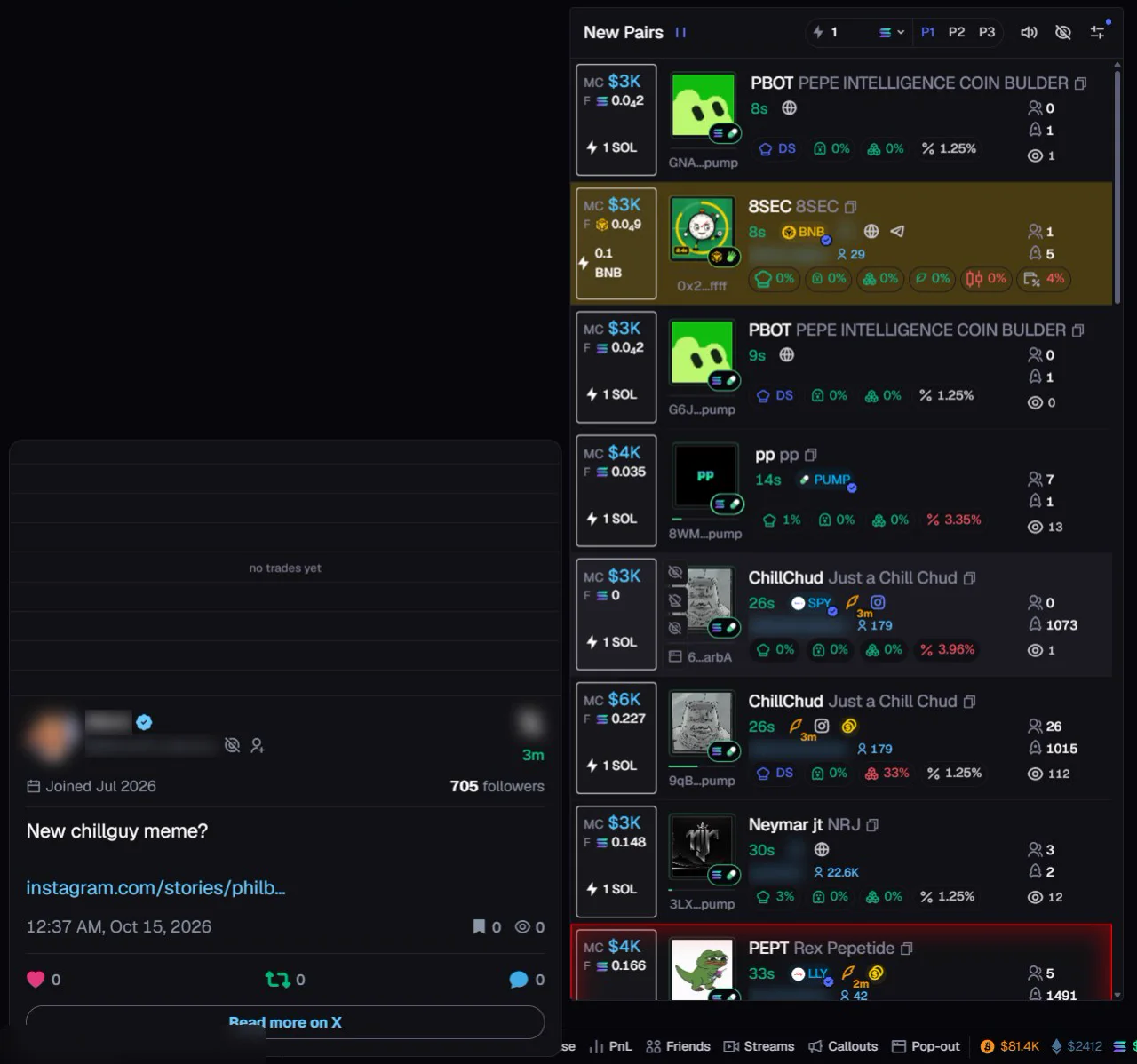
Its live chart and its X post open right beside it. No click, no new tab, and the list stays where it was.
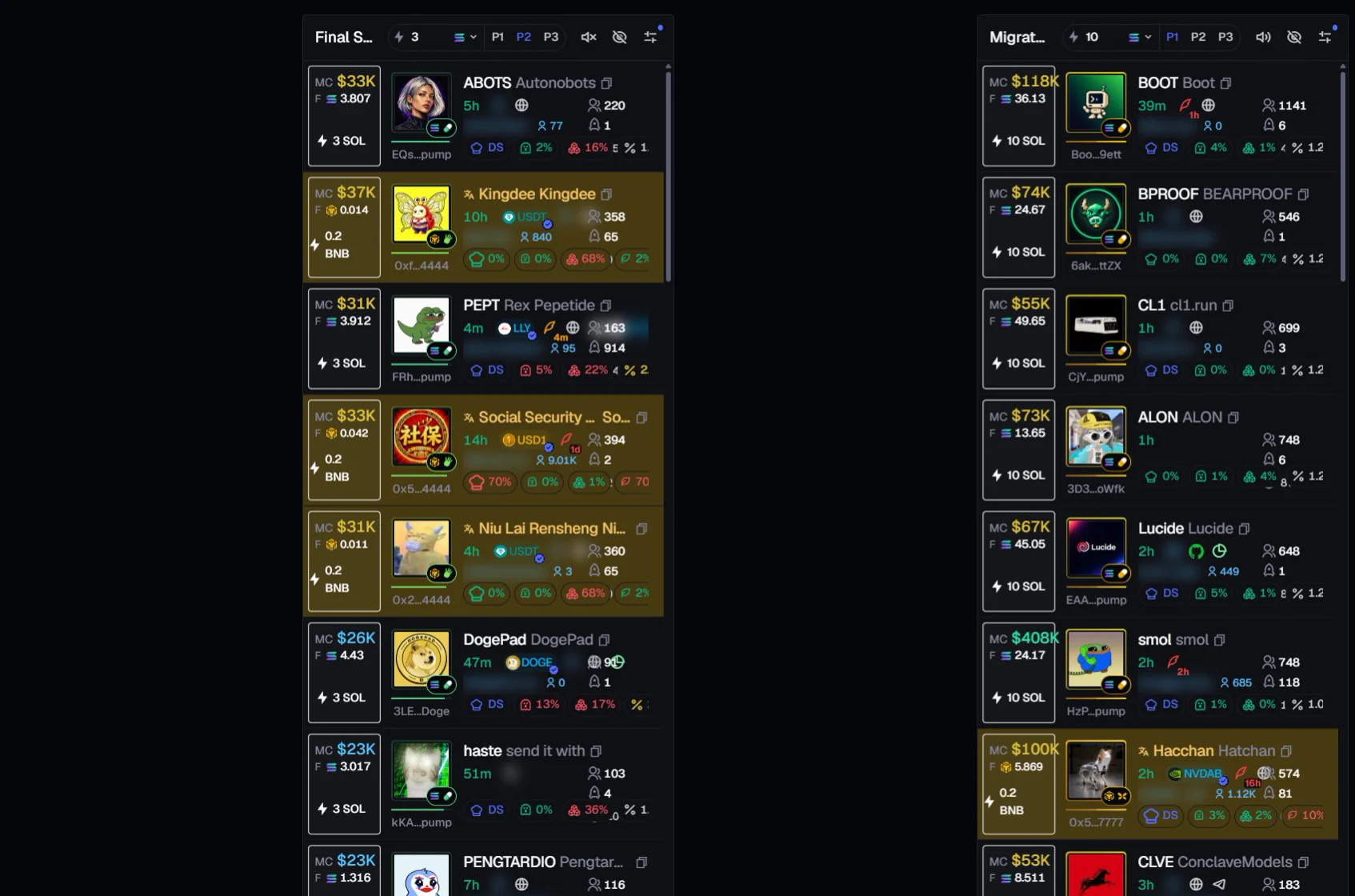
Scrolling plays the real recording: Bluzari on Axiom, the Migrated column.

03 · Your turn
Two rows on this recording are live. Point at one (tap on a phone) and its chart and X post open beside the column, the way they do in your Axiom.
Nothing hovered.
04 · Rows
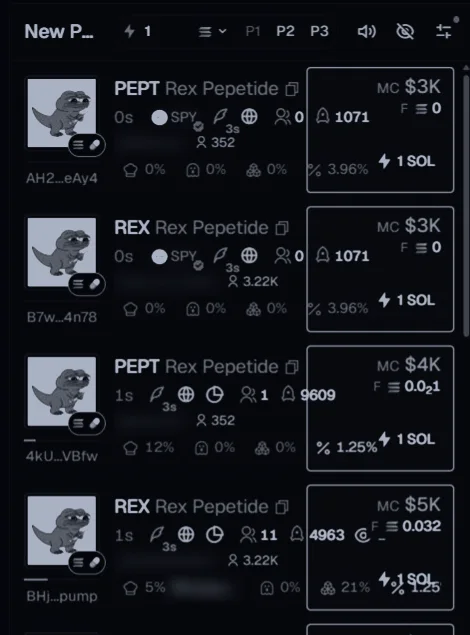
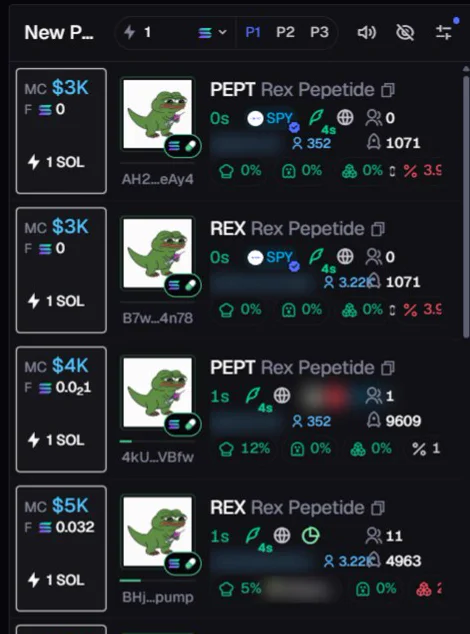
Axiom puts quick-buy and the market cap at the far right of each row. Bluzari moves them to the front: the first thing you see is the first thing you click.
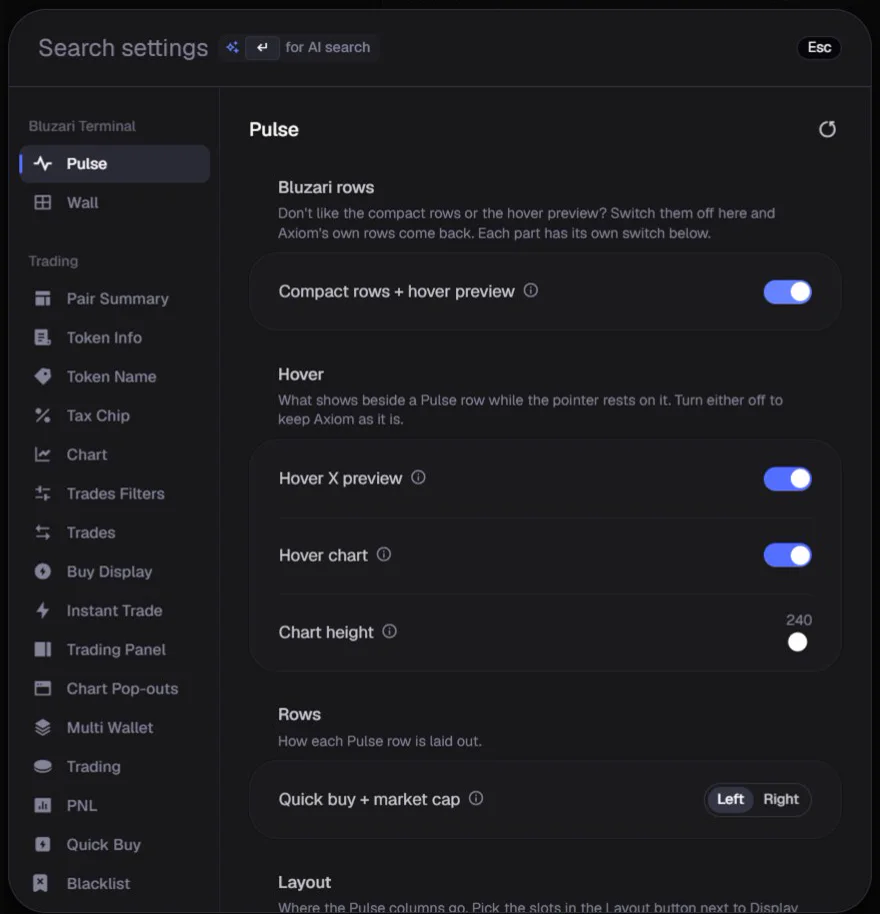
One switch in Axiom's own Settings turns the compact rows and the hover preview on, or gives you Axiom's rows back.
05 · Your layout
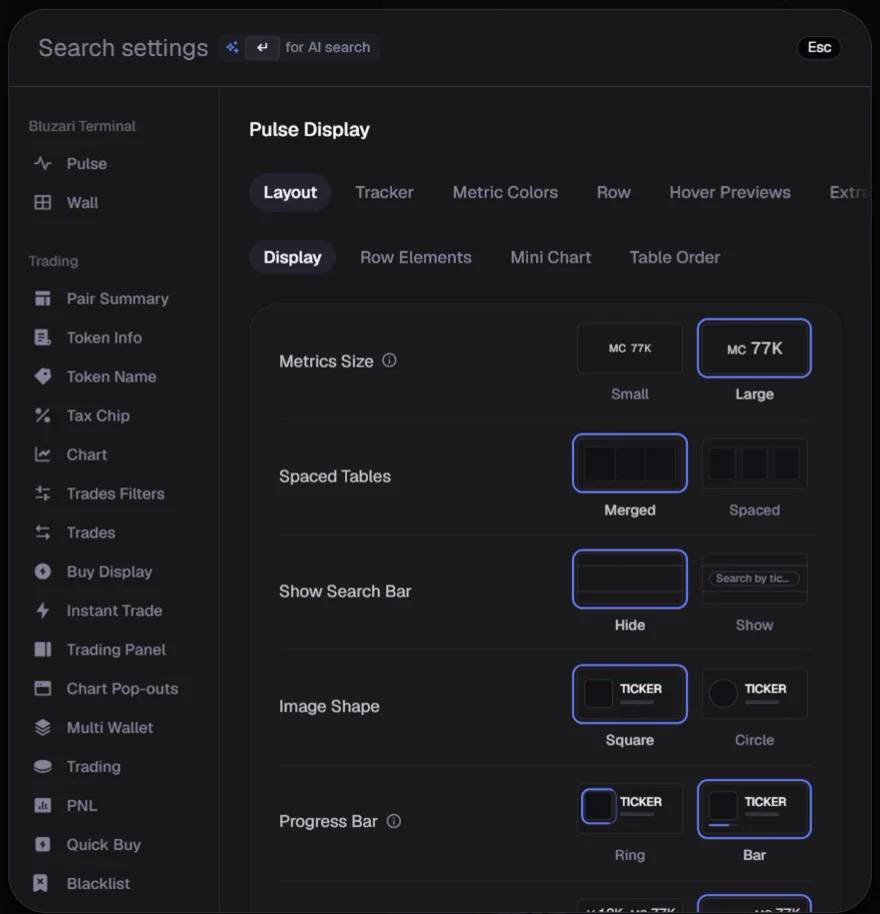
Give New Pairs the full height and stack Final Stretch and Migrated beside it, or any column in any slot. Set it in Axiom's Display menu; the page re-lays at once.
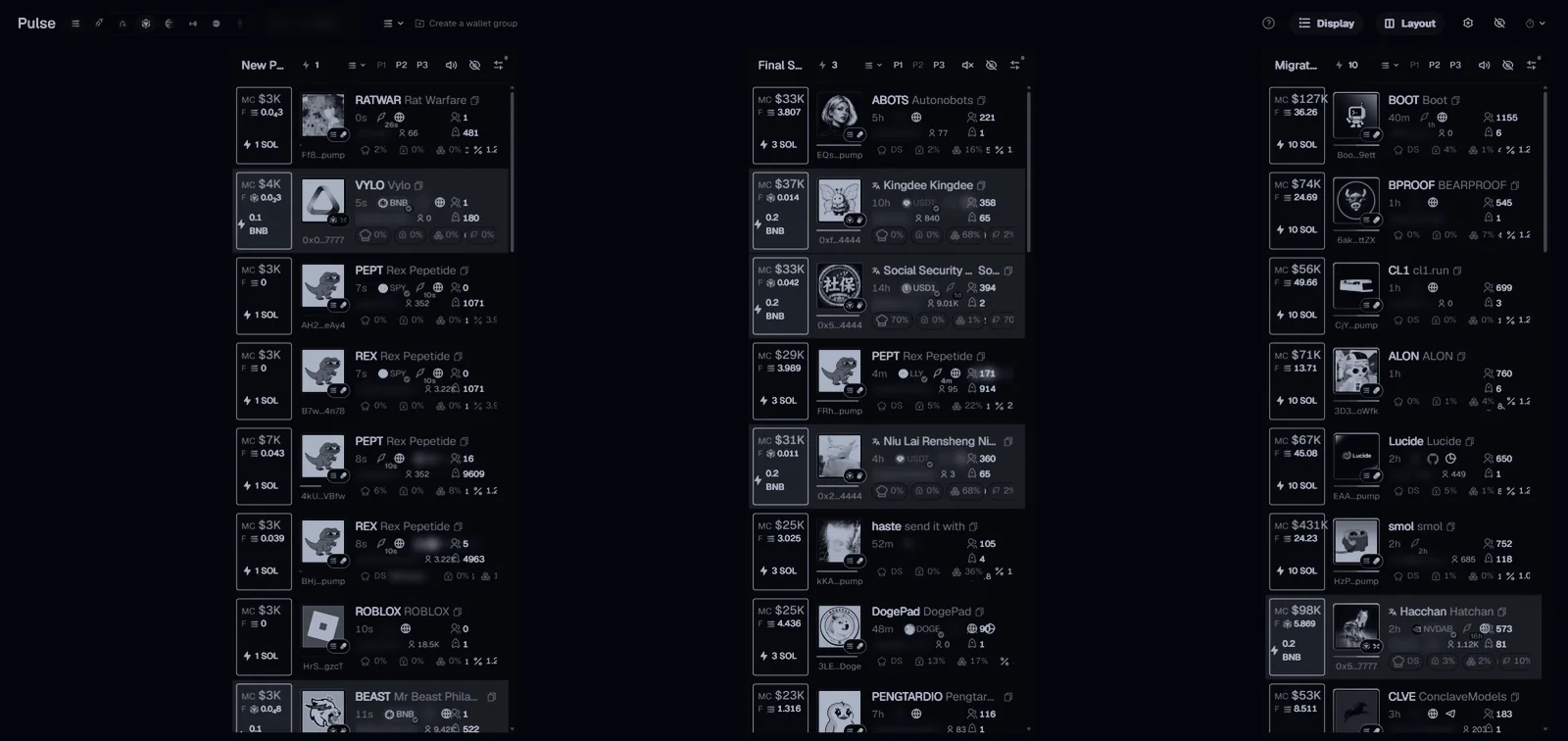
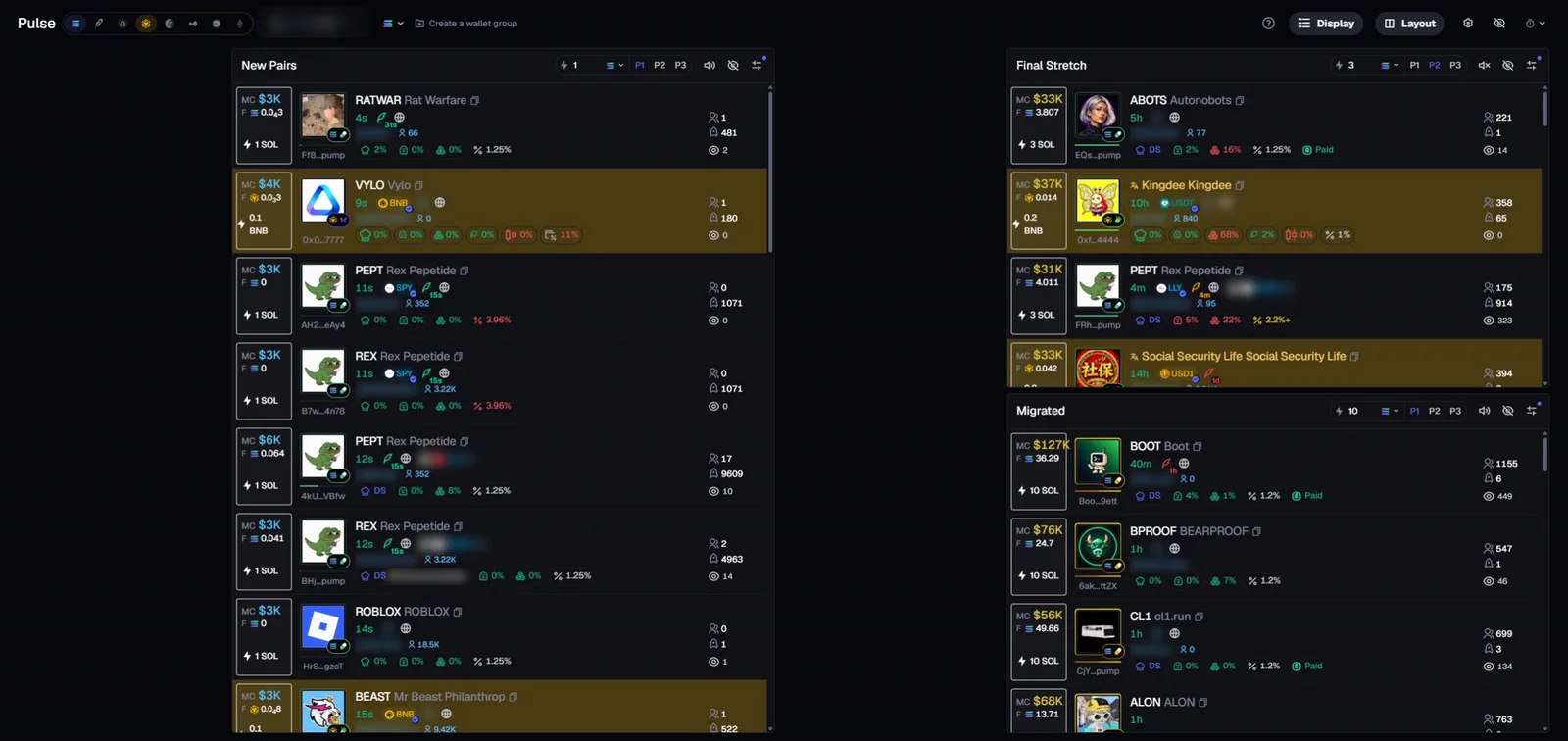
Drag the rows width down and the room beside the column goes to the chart and the post. On this recording the preview grows from 300 to 300 px.
06 · The Wall
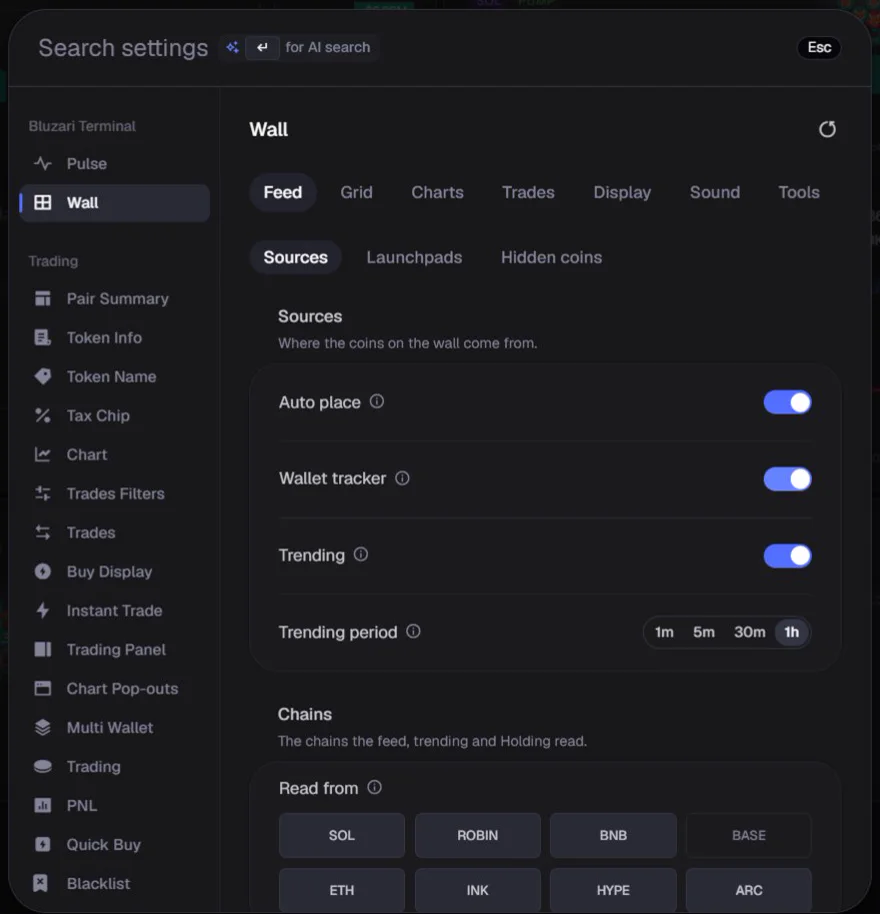
Axiom's Discover coins, each as its own live chart, all on one tab next to Pulse. Up to sixteen at once, new coins slide in by themselves.
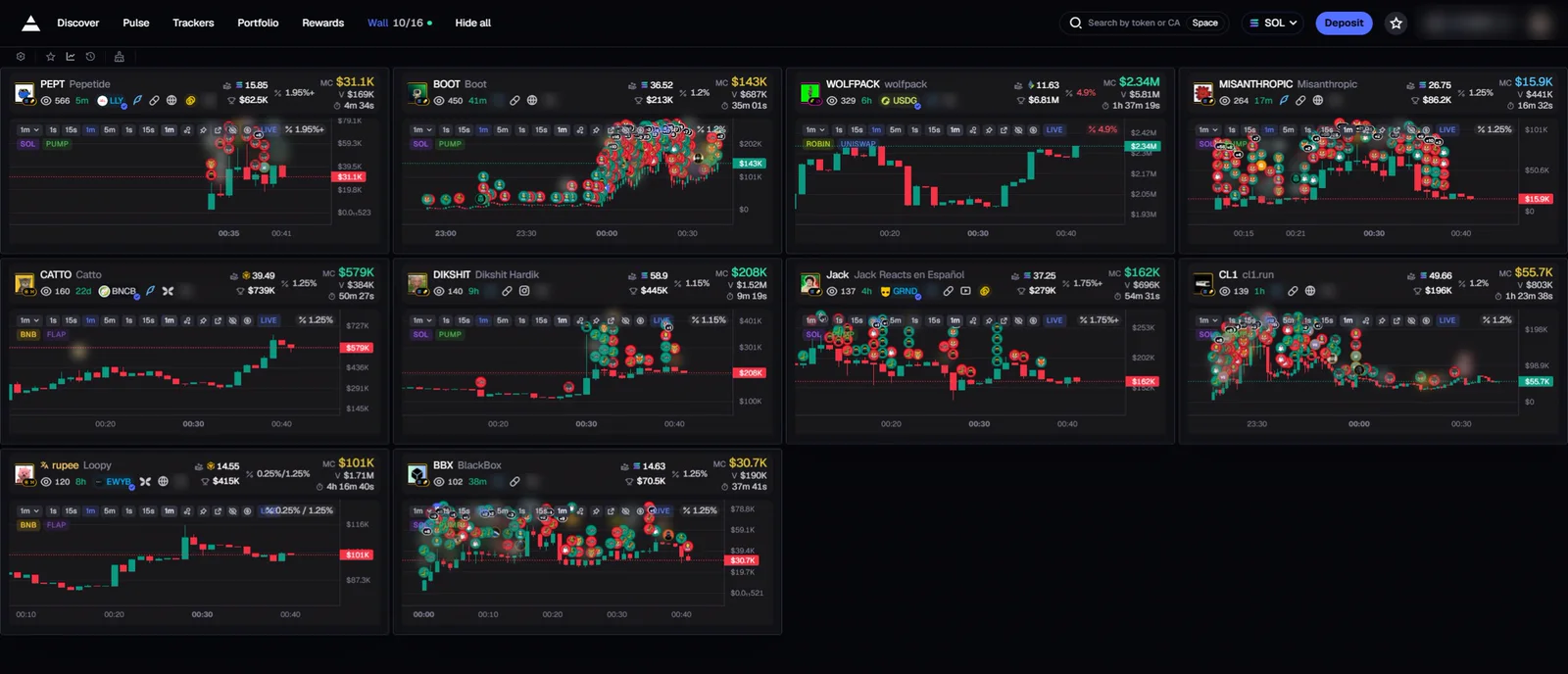
Point at a chart and the Wall holds still. Nothing jumps under your mouse.
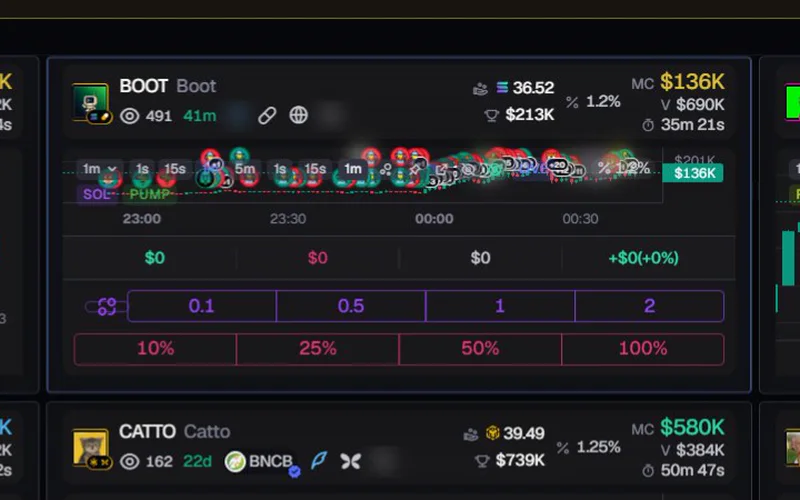
Right-click a chart for its buy amounts and sell percentages.
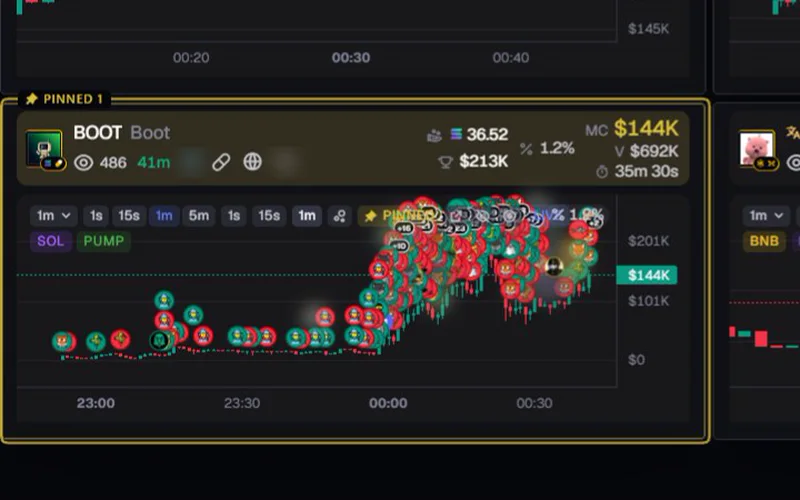
Keep a coin in place, framed in yellow, while the rest moves.
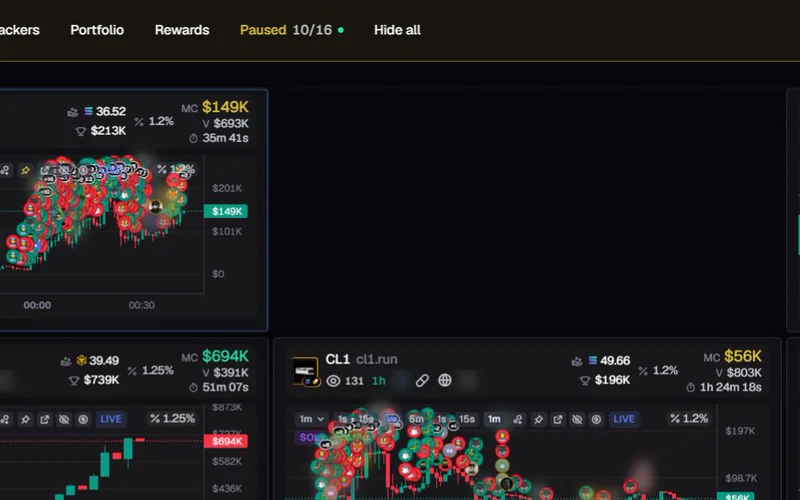
Gone for good. It waits under Hidden if you want it back.
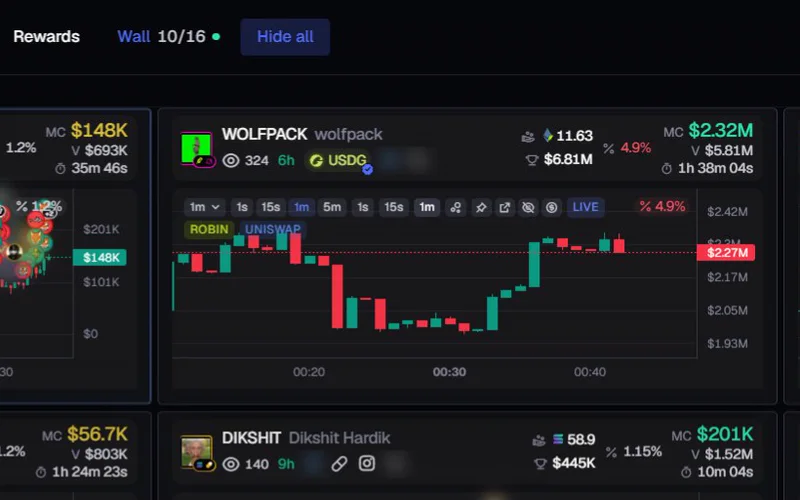
Press twice to clear the Wall. Pinned charts stay.
Every chart, every coin, one tab.
07 · Where it lives
Bluzari sits first in Axiom's own Settings window: one page for Pulse, one for the Wall. Every change has its own switch.
You pick what fills the Wall: coins the wallets you track are buying, Axiom's trending coins, only coins enough people watch, the most watched first.
08 · Two ways in
Pay once
0.4 SOL
One transfer from your wallet. Yours on every browser where you sign in with that wallet.
Or hold
The coin
Hold the Bluzari coin in the same wallet and it stays unlocked while you hold it. The coin is not live yet.
Get access Then install from the Chrome Web Store and sign in with the same wallet in Axiom's Settings.
No. To prove a wallet is yours you sign a short text in Phantom, Solflare or Backpack. Signing a text moves nothing and costs nothing. The 0.4 SOL is a normal transfer you approve in your wallet.
No. It changes how Axiom shows coins (the preview, the rows, the layout, the Wall). Every trade is still yours, on Axiom.
Chrome, and Chromium browsers that install from the Chrome Web Store (Brave, Edge, Arc).
No. Bluzari Terminal is an independent extension and is not affiliated with Axiom.
A holder's access is checked again every day. Below the amount, the extension goes back to plain Axiom until you hold it again or pay once.
Yes. Sign in with the same wallet in Axiom's Settings on each browser.
For axiom.trade. Hold the coin or pay 0.4 SOL once, then get access with your wallet.